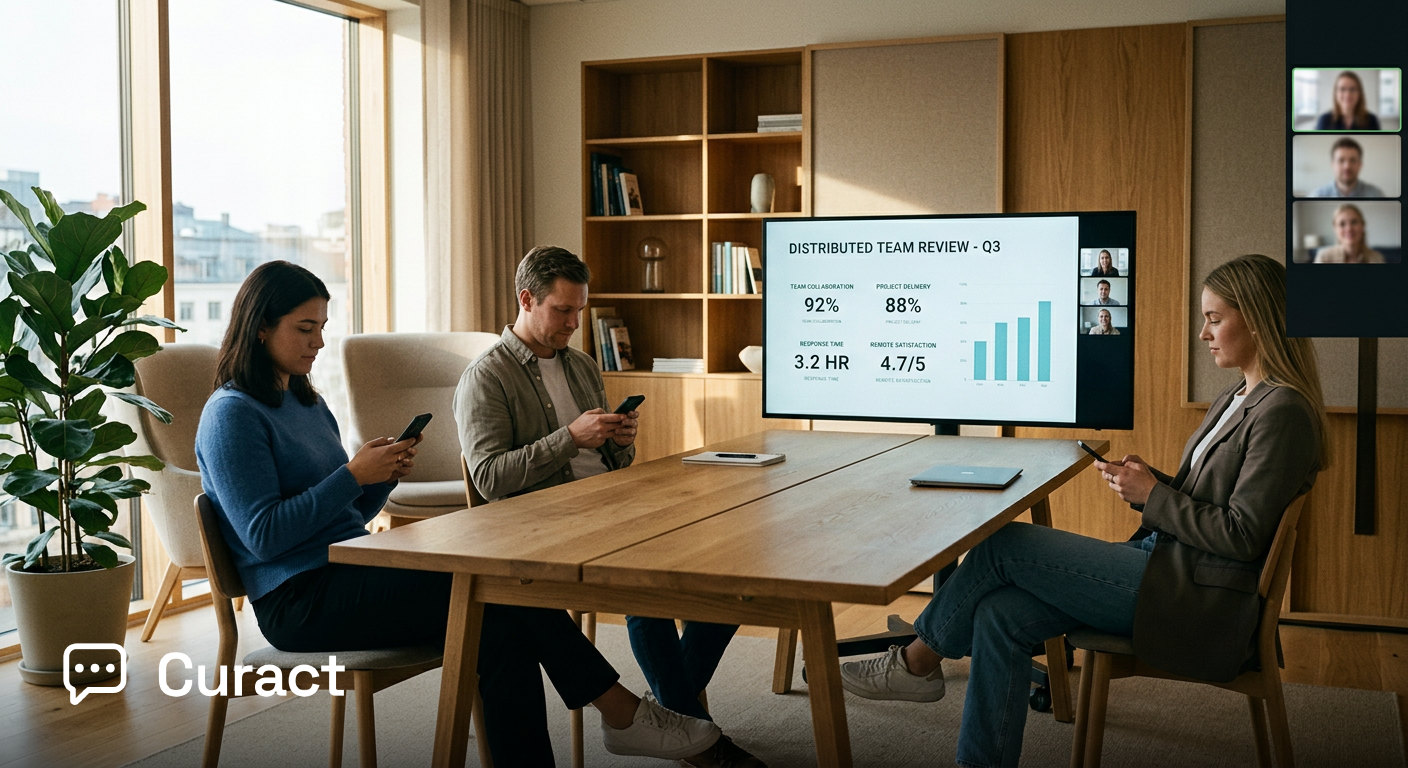
How long should a weekly team meeting actually be?
We recommend capping a weekly operational start for a distributed team at 30 minutes. In our view, meetings that run longer often indicate that a team is using live meeting time to gather information rather than to make decisions.
Microsoft's 2023 Work Trend Index found that knowledge workers spend roughly 57% of their time in communication platforms—including meetings, email, and chat—and 43% of their time creating. We think reserving 60 minutes for a weekly team sync leaves less room for deep work and tends to force status updates into live conversation.
Our recommendation applies specifically to recurring operational syncs where work is already in motion. It does not apply to quarterly strategy offsites, complex technical design reviews, or retrospectives where team dynamics require open-ended conversation. We think 30 minutes is sufficient for regular operational alignment if status collection happens before the call.
What is the best weekly team meeting agenda?
We recommend structuring a 30-minute weekly team meeting agenda into four distinct timed blocks: context, metrics, blockers, and commitments. Rather than working through a list of attendees, the meeting works through a list of operational needs.
Minutes 0–5: Context and primary goal. We recommend that the host highlight the single overarching objective for the week and summarise key company context so everyone operates from the same baseline.
Minutes 5–15: Key metrics and prepared progress. We suggest reviewing core metrics and high-priority milestones from prepared slides, with zero time allocated to reading text aloud. The focus is strictly on unexpected numbers or missed targets.
Minutes 15–25: Blocker resolution. We recommend spending ten full minutes debating and resolving a single operational obstacle flagged prior to the meeting.
Minutes 25–30: Commitments and ownership. Confirm who owns which delivery date for the upcoming week, with action items recorded live before the call ends.
How to run a 30-minute weekly meeting agenda on Monday
In our view, running a sharp 30-minute weekly meeting requires shifting update collection to the days leading up to the call. Here is our recommended operational schedule to follow week by week.
- 1Friday afternoon: Collect updates asynchronously. Ask every team member to submit three short items before the week ends: their main win from the past week, their primary goal for the coming week, and any blocker requiring team discussion.
- 2Monday morning: Assemble the agenda deck. The host reviews submitted updates, approves relevant content, and selects the single blocker that deserves ten minutes of live discussion. In Curact, the host reviews automated update proposals in an inbox and approves them into the live deck with one click.
- 3Minutes 0–5: Open with context. Share the live deck on the call and state the main goal for the week. Skip general personal catch-ups during this block to protect the operational timing.
- 4Minutes 5–15: Review metrics and highlights. Walk through prepared metrics slides. Team members speak only if there is a variance from the target or a direct question from the group.
- 5Minutes 15–25: Debate the chosen blocker. Open the floor to resolve the selected operational bottleneck. The host facilitates the discussion strictly toward a clear decision or an assigned owner.
- 6Minutes 25–30: Confirm commitments. Each team member confirms their top commitment for the week. Participants submit their commitments via their phones or laptops so follow-ups are captured automatically.
Where does a rigid 30-minute weekly agenda fail?
We think a rigid 30-minute weekly meeting agenda can fail when a team needs to solve complex strategic dilemmas or address low interpersonal trust. Operational syncs assume that team members are willing to surface problems early. If psychological safety is lacking, our interpretation is that contributors will submit benign updates asynchronously and hide true project risks.
Steven Rogelberg's 2019 research on meeting science showed that meeting leaders consistently rate the quality of their meetings higher than attendees do. We think that when leaders assume a smooth, fast meeting means total alignment, a strict agenda can inadvertently silence necessary dissent.
Furthermore, in our view, a 30-minute structure cannot handle broad, open-ended decisions. If a team needs to redesign a product architecture or realign a go-to-market strategy, we think forcing that discussion into a ten-minute blocker slot will result in rushed decisions. We recommend holding strategic pivots in separate, dedicated working sessions with targeted attendees, rather than in the recurring weekly start.
How do you keep remote participants engaged during a weekly call?
We think engagement improves when team members submit content beforehand and actively interact during the live session through response tools rather than remaining passive spectators. In traditional video meetings, video fatigue sets in quickly when participants spend long stretches watching one person talk.
Stanford University research from 2021 identified excessive close-up eye contact and the cognitive effort of reading reactions through screens as key drivers of video meeting fatigue. Our interpretation is that passive listening on video calls accelerates mental fatigue far faster than interactive collaboration.
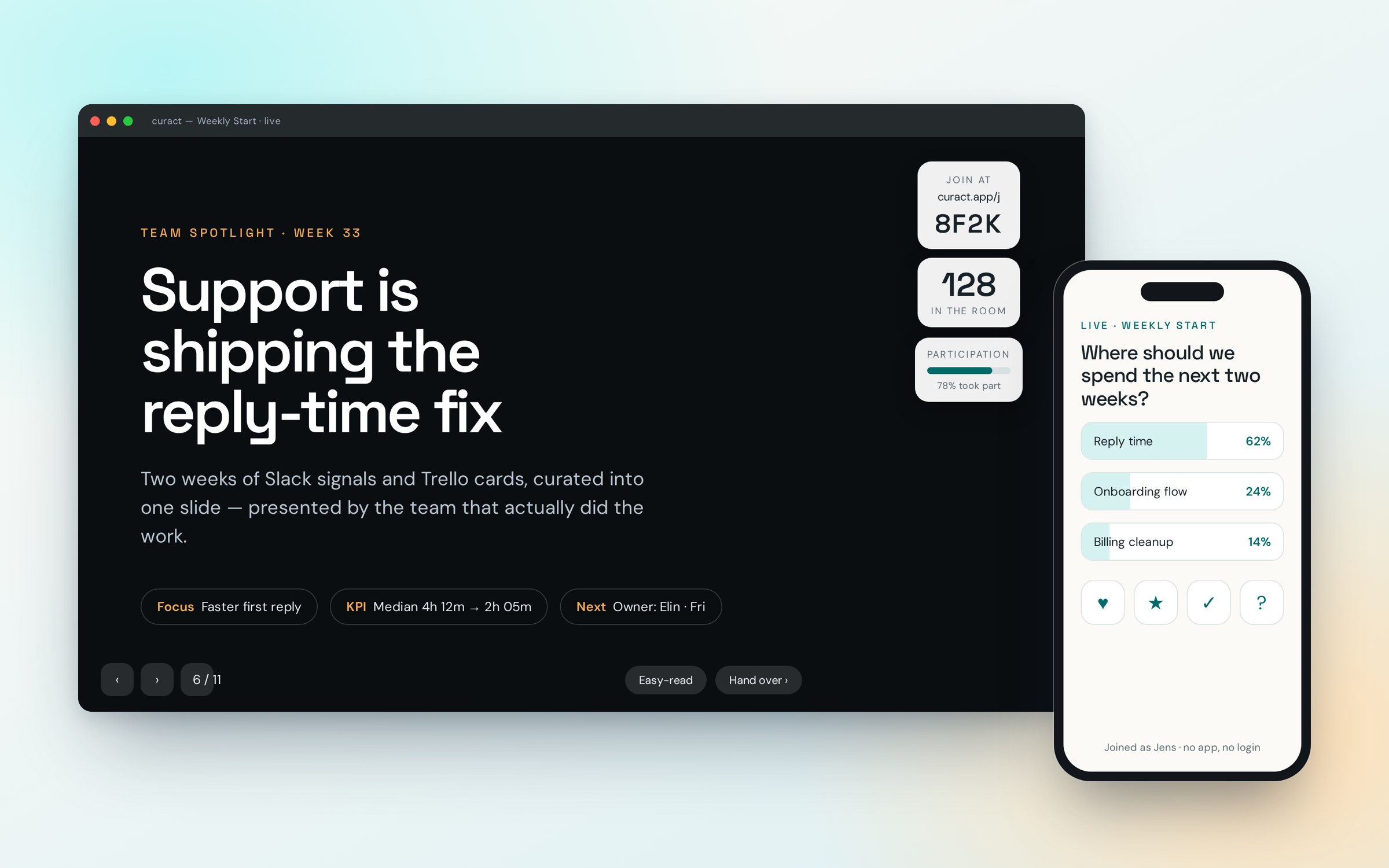
We believe attention remains higher when team members build their own slides before the meeting and use live interactive features during the call. In Curact, contributors build their slide async via a personal link during the week and use their mobile phone as a controller during the meeting, answering live polls and submitting questions without cluttering the screen or interrupting the speaker.
What you can change on Monday morning
You can transform your weekly team meeting next Monday by moving all status updates out of the live call and enforcing a strict 30-minute cap. Start by setting the calendar invite to 30 minutes. We recommend sending an update request a few hours before the meeting asking for one priority and one blocker from each team member. Dedicate at least ten minutes of the live call to solving one specific blocker, and reserve the final five minutes to log action items with named owners.
If you want a platform that collects these inputs automatically and runs a seamless interactive deck for your remote team, try Curact for your next weekly start.
Sources
- Workplace Woes: Meetings Edition — Atlassian (2024)Knowledge workers judge most of their meetings to be ineffective.
- Work Trend Index: Will AI Fix Work? — Microsoft (2023)Most of the working day goes to communicating, not creating.
- The Surprising Science of Meetings — Oxford University Press / Steven G. Rogelberg (2019)Badly run meetings are a leadership skill problem, not a calendar problem.
- Four causes for 'Zoom fatigue' and their solutions — Stanford University (2021)Video meetings tire people in ways in-person meetings do not.
Findings are paraphrased and linked to the publisher. No source text is reproduced.