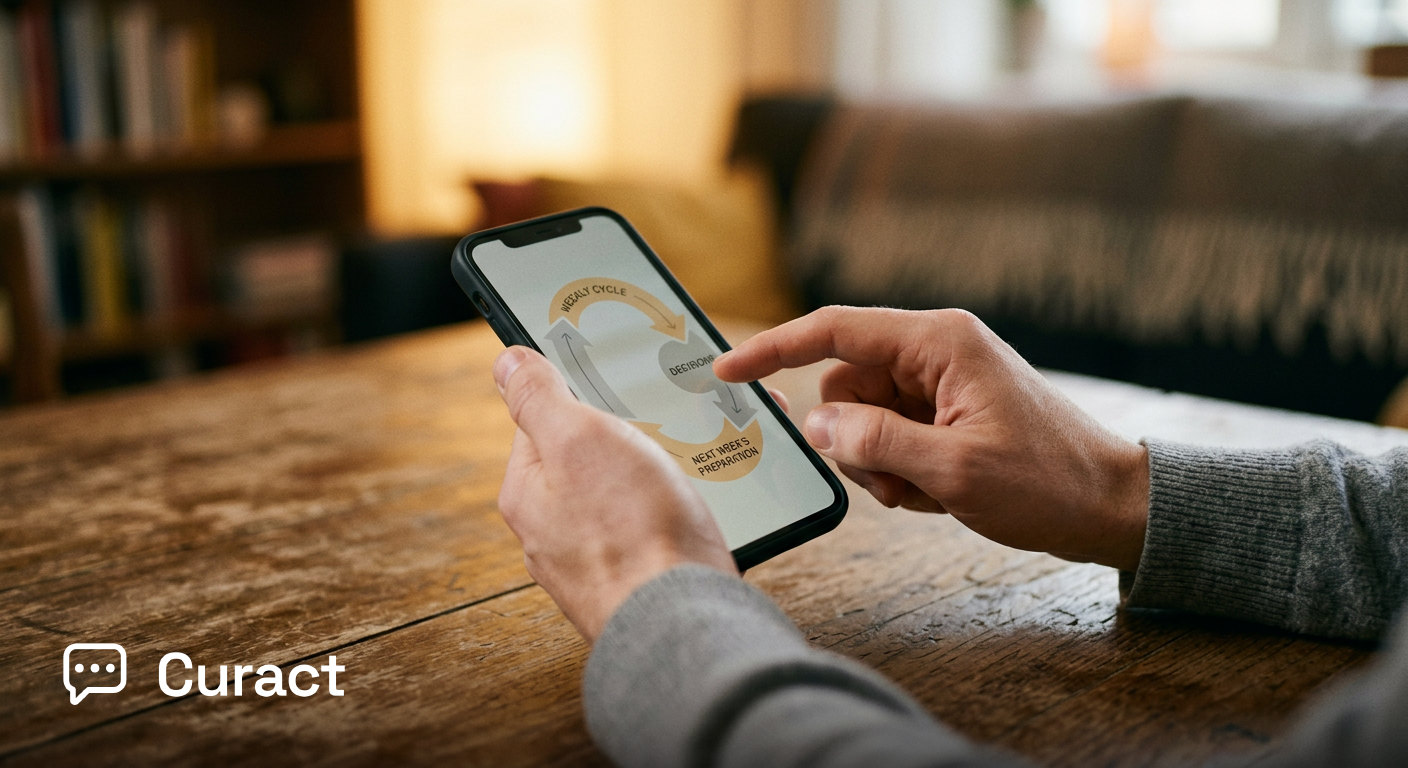
How do you track action items without creating another tracking tool?
It is 08:00 in London, 15:00 in Singapore, and 23:00 the previous evening in San Francisco. A global project kickoff has just concluded. A cross-functional team spent time establishing the initial architecture for a cross-regional launch. Near the end, the project lead asked who would take responsibility for revising the deployment spec, drafting customer notifications, and provisioning the test cluster. Names were murmured, noted on personal paper pads, and pasted into a fleeting chat thread. A few days later, nobody remembers who owned the notification draft, and the chat thread has disappeared under subsequent messages.
To prevent this, the project lead opens a standalone task management tool and creates new work items. But within weeks, that board is an unmaintained ghost town of overdue cards. The team has reverted to asking "who was handling that?" during the opening minutes of every video call.
You track action items without introducing new software by anchoring each task directly inside the recurring meeting artifact where the decision occurred, carrying it forward into the next session automatically. When a follow-up lives where the work was discussed, accountability becomes a visible component of the meeting rhythm rather than an administrative chore.
Why do meeting follow-ups usually vanish?
Action items vanish because they are severed from the context of the decision and dumped into disconnected tracking systems that demand separate upkeep. The moment a follow-up is converted into a ticket on a general project board, it loses its connection to the trade-offs agreed upon during the call. It becomes one more administrative obligation competing with primary work.
Microsoft's 2023 Work Trend Index found that knowledge workers spent 57% of their time in communication software like email, chat, and meetings, leaving only 43% for document or code creation. Adding another tracking dashboard forces distributed teams to spend even more of that limited creation window updating ticket statuses across multiple platforms.
The problem is compounded by a gap in how meetings are perceived. Organisational psychologist Steven Rogelberg's 2019 research on meeting science showed that meeting leaders consistently rate the quality of their meetings higher than attendees do. Our interpretation is that leaders often mistake verbal consensus at the end of a session for actual operational clarity, assuming that because an action item was stated aloud, it will be executed without further structural support.
In Atlassian's 2024 survey of 5,000 knowledge workers across four continents, respondents rated 72% of their meetings as ineffective. A core reason meetings earn this reputation, in our view, is post-meeting drift: time spent debating options that yields no visible momentum because agreed actions dissolve as soon as the video window closes.
How to keep action items visible where decisions are made on Monday
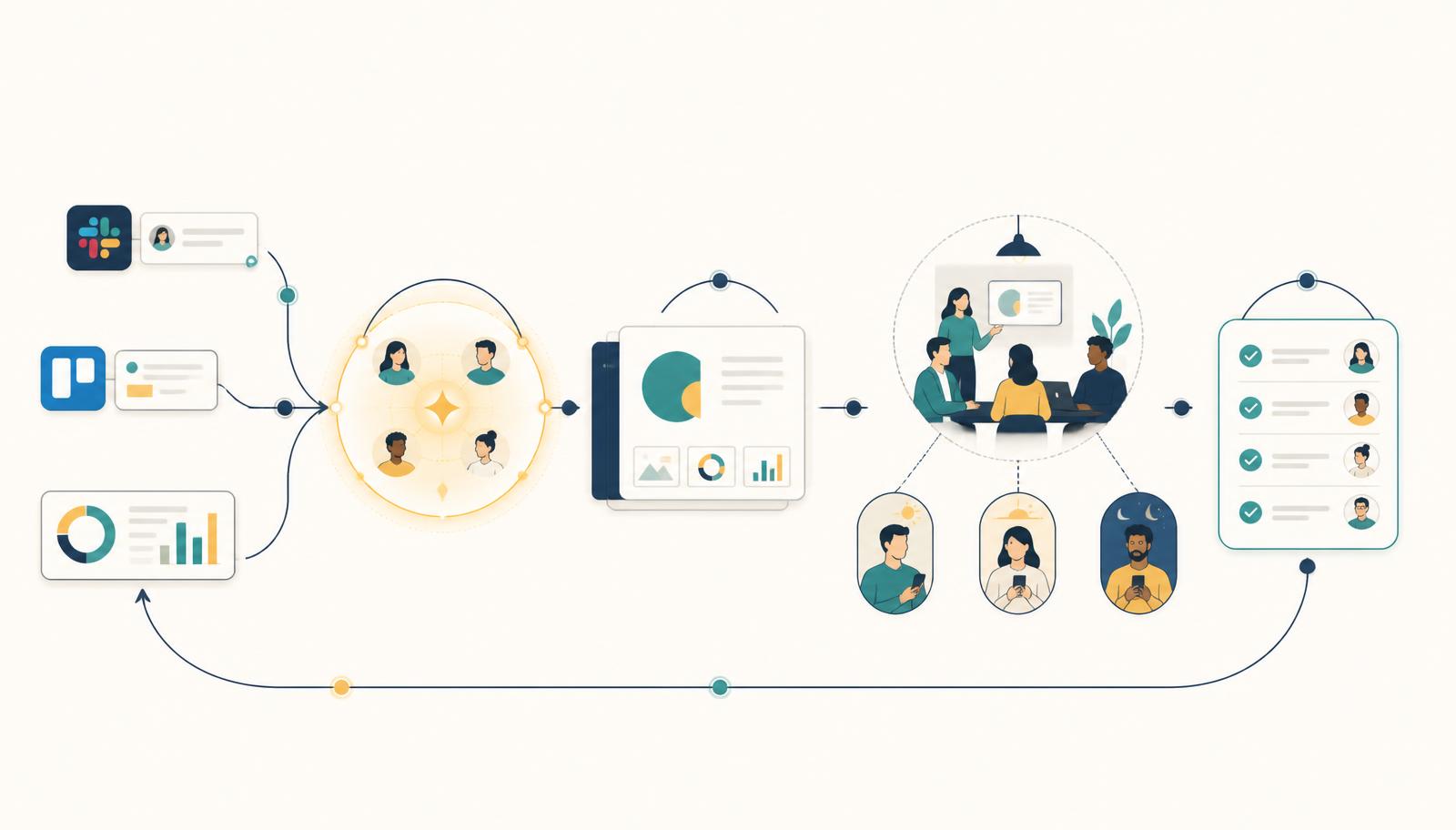
To make action items visible without software clutter, adopt a rule: no decision leaves the meeting without an explicit owner, a deadline, and a designated review slot in the next occurrence of that meeting series.
On Monday, when setting up the kick-off or regular project check-in, create a standing slide or section at the tail end of the agenda titled Decisions & Commitments. As an agreement is reached in the session, type the precise output directly onto that slide in front of everyone. Write the exact deliverable, one named individual, and the due date. Do not assign tasks to whole sub-teams.
On Wednesday, send out the agenda for the following week's meeting. That agenda should automatically open with the Decisions & Commitments slide from the prior session. The named owners update their single line before attending: complete, blocked, or rescheduled.
On Friday, during a brief review, the meeting host looks at the open commitments. If an owner marked an item as blocked, the host alters the upcoming agenda to spend time resolving that specific blocker. The action item is not a separate ticket in an external tool; it is the input for the next synchronous conversation.
Where does light-touch follow-up work, and where does it fail?
Light-touch, meeting-anchored follow-up works best for executive steering groups, cross-functional kickoffs, weekly department syncs, and multi-timezone project reviews. These are contexts where the primary risk is not managing complex dependency graphs, but ensuring that strategic agreements do not evaporate between calls.
This approach fails for complex, engineering-heavy work that requires strict resource scheduling, deep backlog grooming, or automated build pipelines. A software development team building a complex compiler needs specialized issue tracking with continuous integration hooks. Forcing technical work execution entirely into meeting slide notes will obscure sub-task dependencies and break release workflows.
Our view is that recurring operational meetings suffer when forced into formal issue trackers, just as software engineering backlogs suffer when managed through loose meeting notes. Matching the weight of the tracking system to the actual nature of the work prevents administrative fatigue.
Curact is designed around this exact balance for remote-first teams. In Curact, decisions made during a live session become follow-up blocks attached directly to the meeting series. Named owners receive direct prompts before the next session to confirm progress, ensuring that commitments remain visible across London, Singapore, and San Francisco without requiring anyone to open another standalone tracking board.
What to change in your next meeting
On Monday, reserve the final few minutes of your kickoff or weekly sync for a shared review slide. Write down every agreed action item with one owner's name and a clear completion date while everyone is still on the call, then set that exact slide as the opening screen for your next scheduled meeting.
If you want a dedicated platform built to make meeting preparation, live participation, and follow-up tracking effortless across timezones, try Curact.
Sources
- Workplace Woes: Meetings Edition — Atlassian (2024)Knowledge workers judge most of their meetings to be ineffective.
- Work Trend Index: Will AI Fix Work? — Microsoft (2023)Most of the working day goes to communicating, not creating.
- The Surprising Science of Meetings — Oxford University Press / Steven G. Rogelberg (2019)Badly run meetings are a leadership skill problem, not a calendar problem.
Findings are paraphrased and linked to the publisher. No source text is reproduced.